
 Azhagi Facebook Group

photo_camera_camera
Screenshots
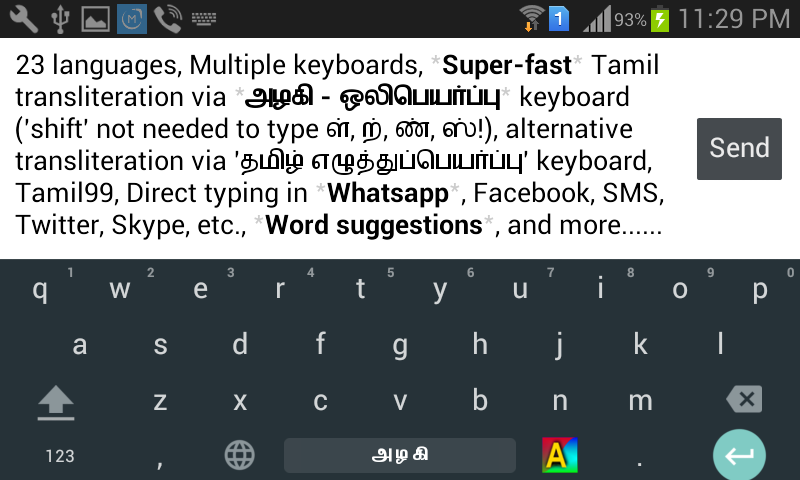
Azhagi Android App
Azhagi+ and Azhagi Windows applications
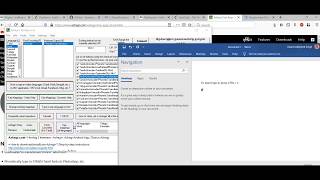
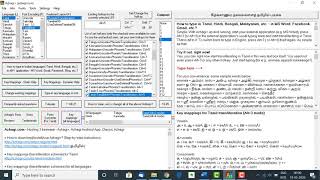
Using Azhagi or Azhagi+, just by pressing a single hotkey, you can straightaway start typing directly in Tamil, Hindi, Sanskrit, Telugu, Kannada, Malayalam, Marathi, Konkani, Gujarati, Bengali, Punjabi, Oriya, Assamese in ANY windows application - MS Word, Excel, PowerPoint, Gmail, Facebook, Skype, Blog, Twitter, Outlook, OneNote, Notepad, WordPad, Adobe applications (PageMaker, Photoshop, ...), OpenOffice (Writer, Calc, ...), etc., etc.So, there is nothing much for me to provide here in terms of snapshots, when it comes to typing in other applications. Some screenshots of Azhagi+ and Azhagi screens alone herebelow.
Azhagi+
(Note: The screenshot below is that of the opening window of the latest version of Azhagi+)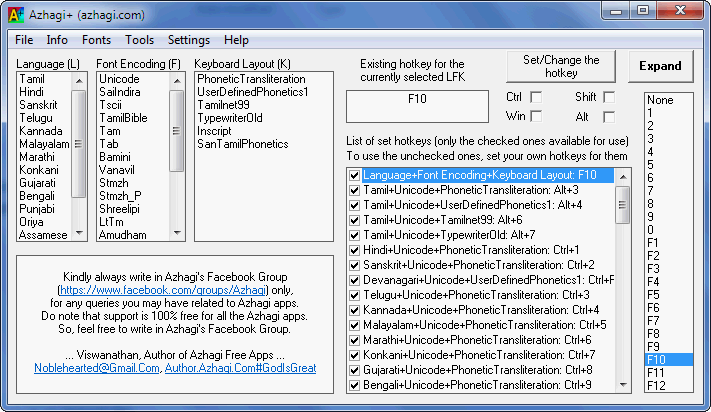
Azhagi+ 'Settings' screen
(Note: The screenshot below is that of the 'settings' screen of Azhagi+ 10.19)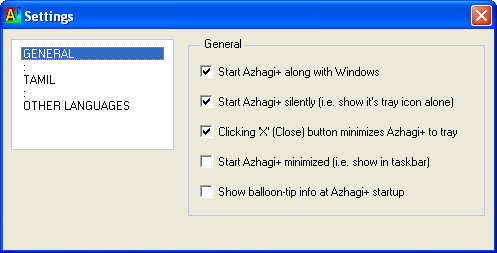
Azhagi
(Note: The screenshot below is that of the opening window of Azhagi 6.3.1)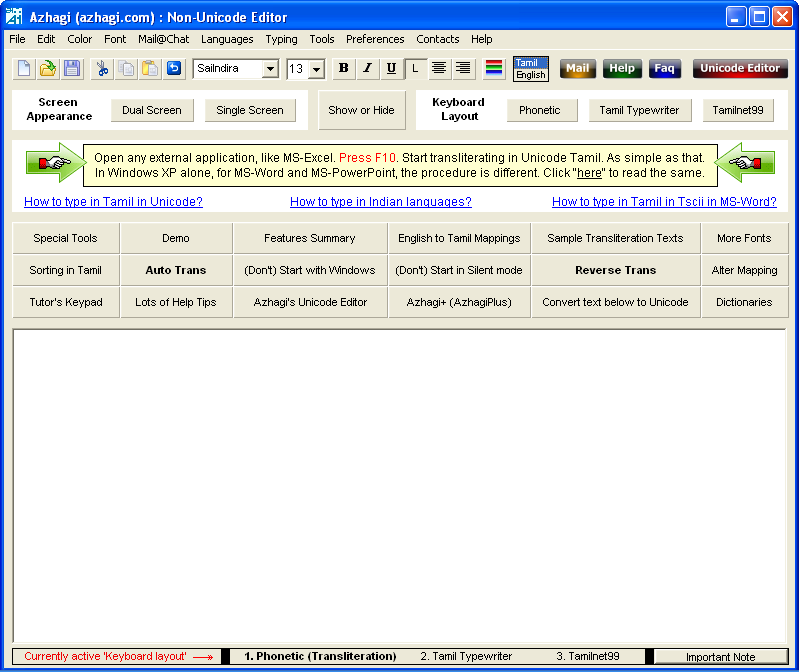
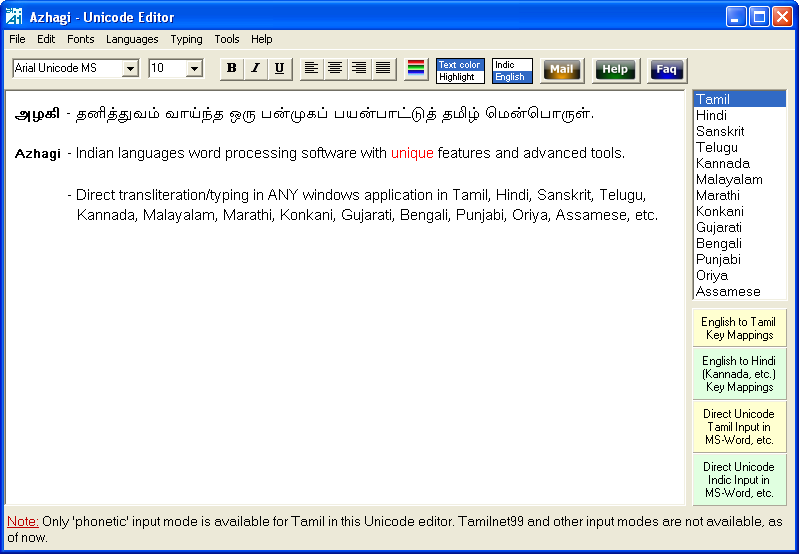
Azhagi's Unicode Editor - 1
(Note: The screenshot below is that of the in-built Unicode editor in Azhagi 6.2.6)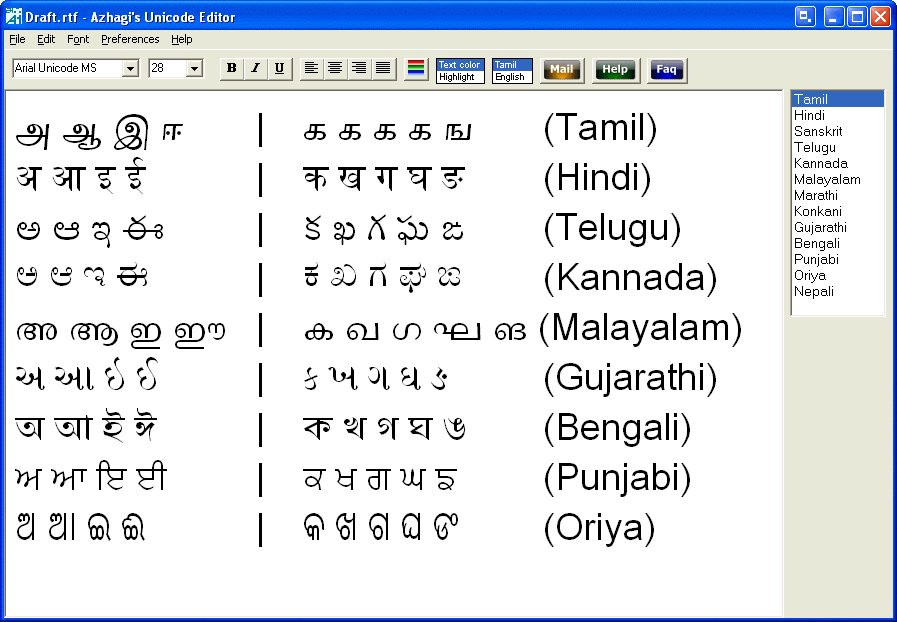
Azhagi's Unicode Editor - 2
(Note: The screenshot below is that of the in-built Unicode editor in Azhagi 6.3.1)